
Get Easy Online Access to Your Member Account
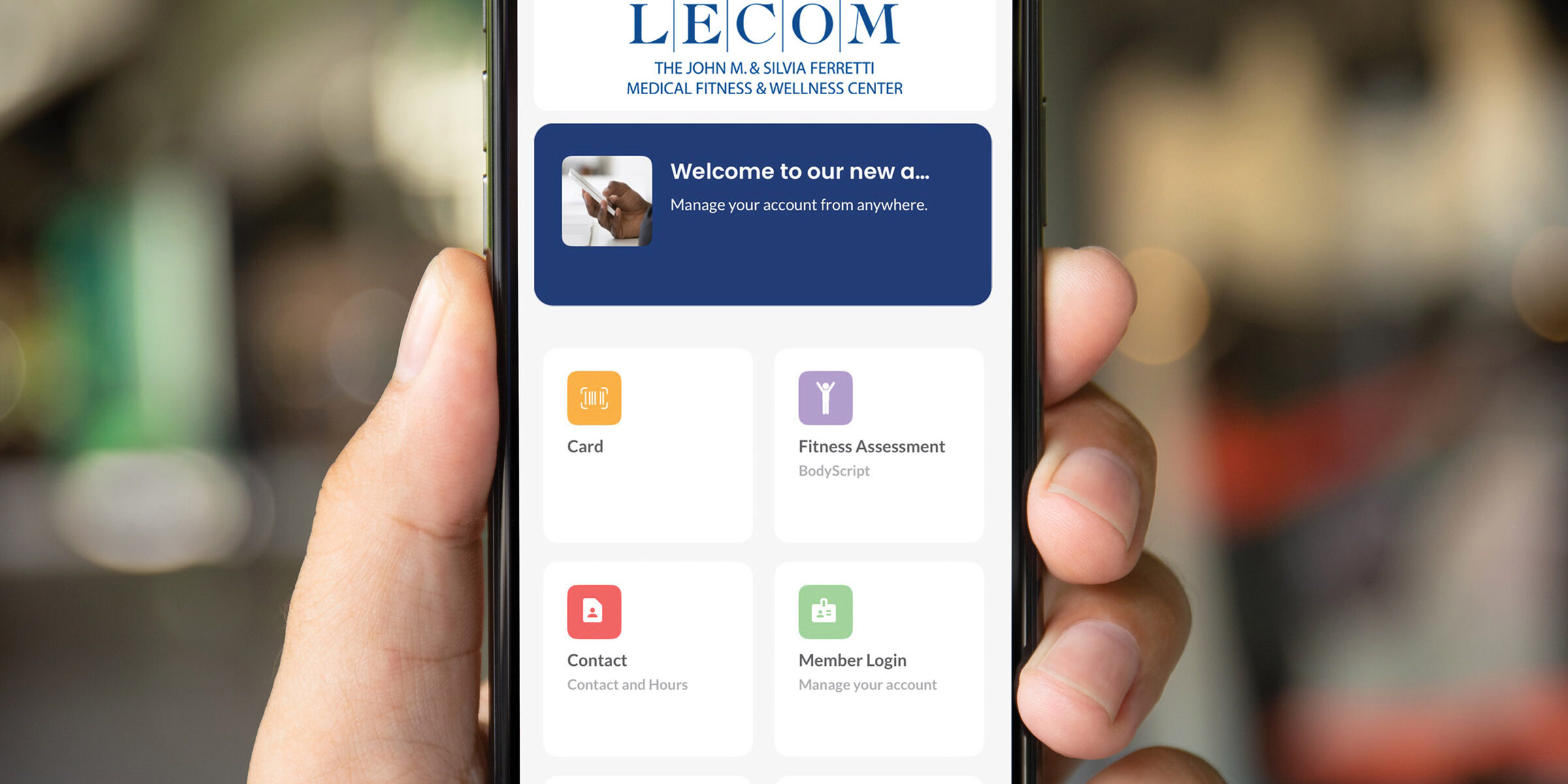
View all the benefits your membership offers online! Use our center mobile app to check in quickly, reserve your spot in a group exercise class and manage your account. Here’s everything you need to get started.
Accessing the Mobile App
Step 1: Download the Center Mobile App
- Search “URFitAP – LECOM” in the App Store or Google Play™
Step 2: Log In to Your Account
- Tap the person icon (top-right corner)
- Enter your username (your email address) and password
- Tap “Login”
Forgot Your Password?
- Tap the person icon (top-right corner)
- Select “Forgot password/Username?”
- Choose “Forgot password?”
- Enter your username
- Tap “Send Verification Code”
- Select “Submit”
- Return to the mobile app and login following the “Log In” instructions above
Once You Are Logged In to the Center Mobile App
- Your user ID QR code is in the “Card” tile. Scan this to check into the center
Managing Your Account Online
Once logged in, you can access a range of features in the “Web Store” tile:
Profile
- Update your user profile
- Manage your communication preferences
- Select your preferred language
Guest Form
Complete or update your emergency contact and safety form
Appointments
Check past, upcoming, and waitlisted appointments
Membership
You can review your membership status and details at any time. You can also view or update your primary payment method directly in your account. To access your membership contract forms, follow these steps:
- Click “Open Form”
- Cancel your membership (if needed)
- View payment history
Payment Details
View and add saved credit cards to your account
We Are Always Here to Help You
We understand this may be the first time you are using a mobile app with a fitness center membership. If you need assistance, we are here to help you. Please visit the Member Services desk for questions and assistance.